Save any video in one click
The Vid-Save extension adds a Save button to every TikTok, Instagram and X (Twitter) video. Watermark-free, HD, no signup — and it’s free.
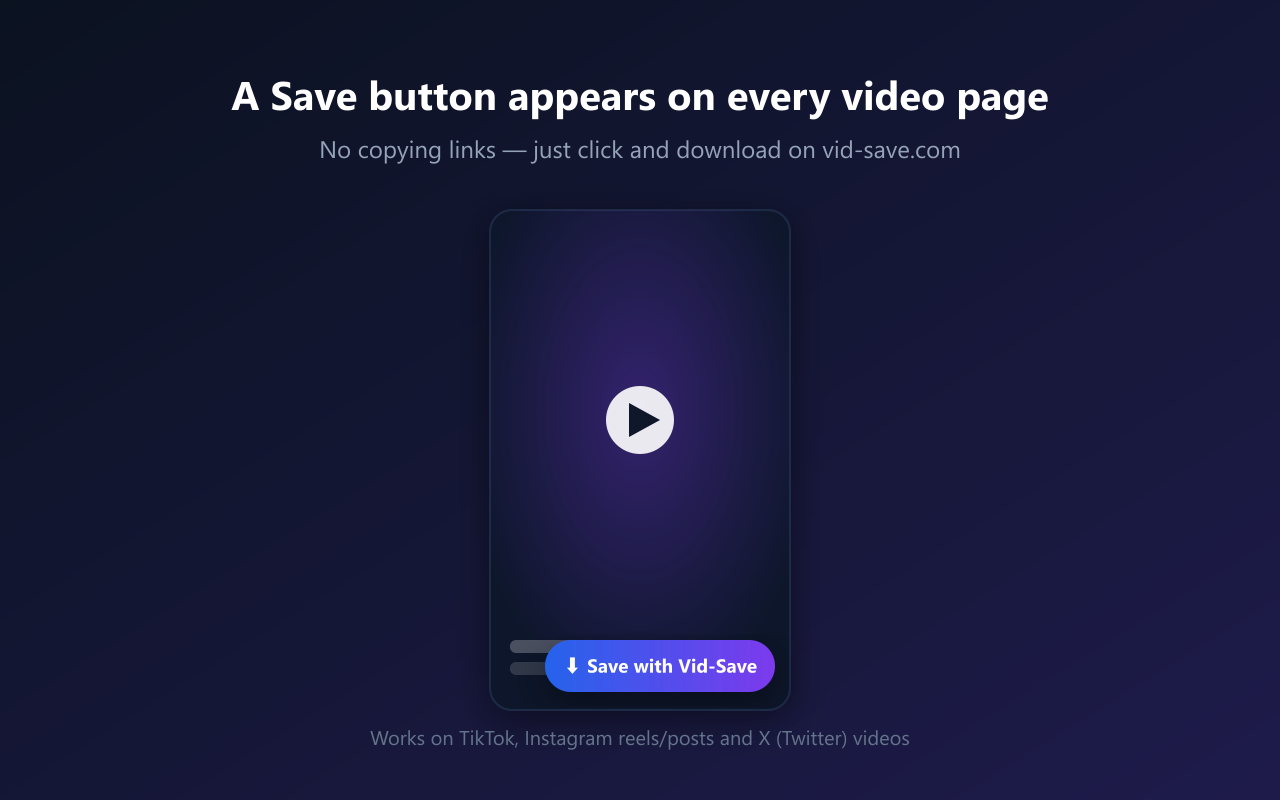
A “Save” button on every video
Open any TikTok, Instagram or X (Twitter) video and a floating Save button appears — no need to copy the link.
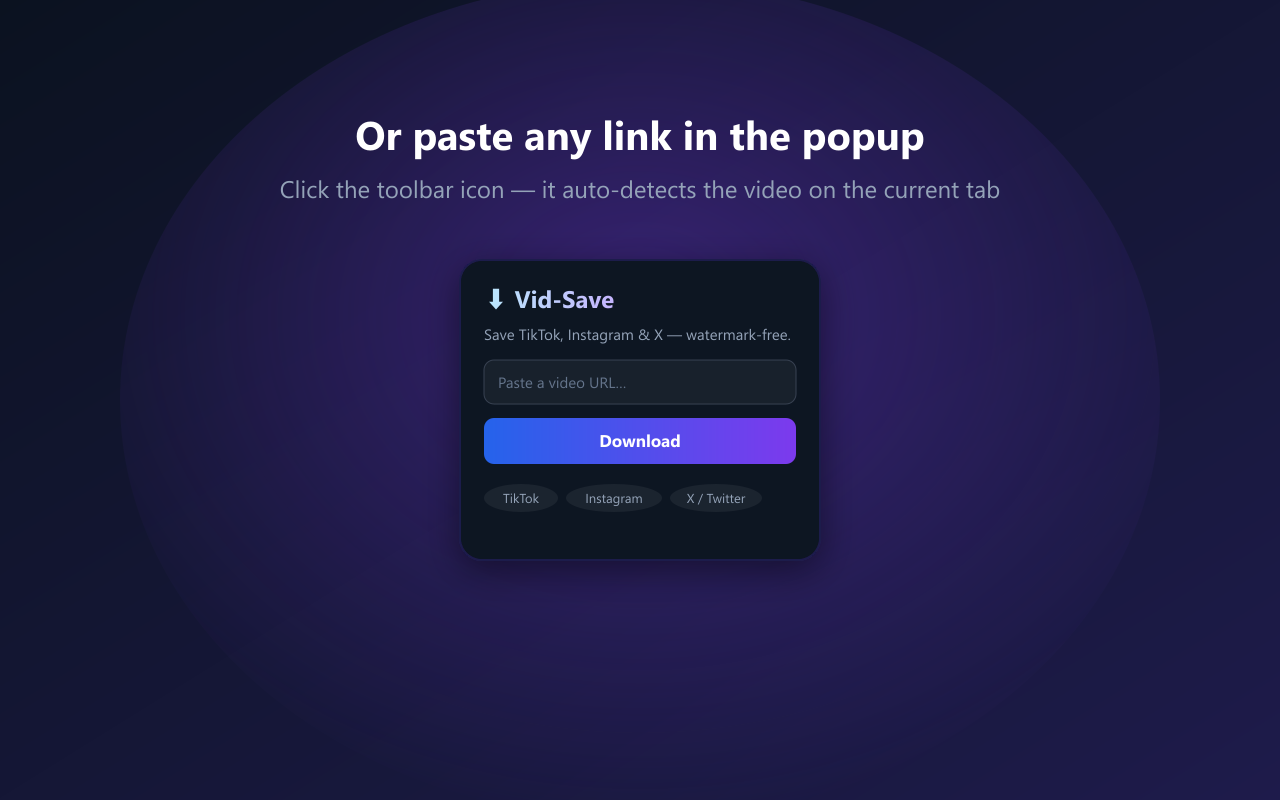
Or paste any link in the popup
Click the toolbar icon and the popup auto-detects the video on the current tab. Paste any link and download.
Download on vid-save.com
The button opens vid-save.com with the video ready — watermark-free, HD/4K or MP3, no signup, no limits.

One click
Save a video without copy-pasting URLs or switching tabs.
Watermark-free
Clean downloads in the highest quality the source exposes.
Free & no signup
No account, no install limits, no daily cap. Works on any video.
Frequently asked questions
Which platforms does the extension work on?▸
TikTok, Instagram (Reels, posts, IGTV) and X (Twitter). The floating Save button appears on video pages of these sites.
Is it free?▸
Yes — completely free, no account and no install limits.
Does the extension download videos itself?▸
No. It opens vid-save.com with the video ready, so the download happens on the website. That keeps the extension lightweight and within store policy.
Does it work on Microsoft Edge?▸
The Chrome build works on Edge too (Edge runs Chrome extensions). A native Edge Add-ons listing is on the way.
Do you collect my data?▸
No. The extension only reads the URL of the video page you’re on, and only when you click it, to open it on vid-save.com.
Get the Vid-Save extension
Add it to your browser and start saving TikTok, Instagram and X videos in one click — free, forever.
Add to Chrome — FreeWe value your privacy
Vid-Save uses analytics cookies to understand how the site is used. No ads, no tracking across other sites. See our Privacy Policy.